Completely Free Video Tools
Use the video flipper and splitter without credits, paid plans, trials, or surprise export fees.
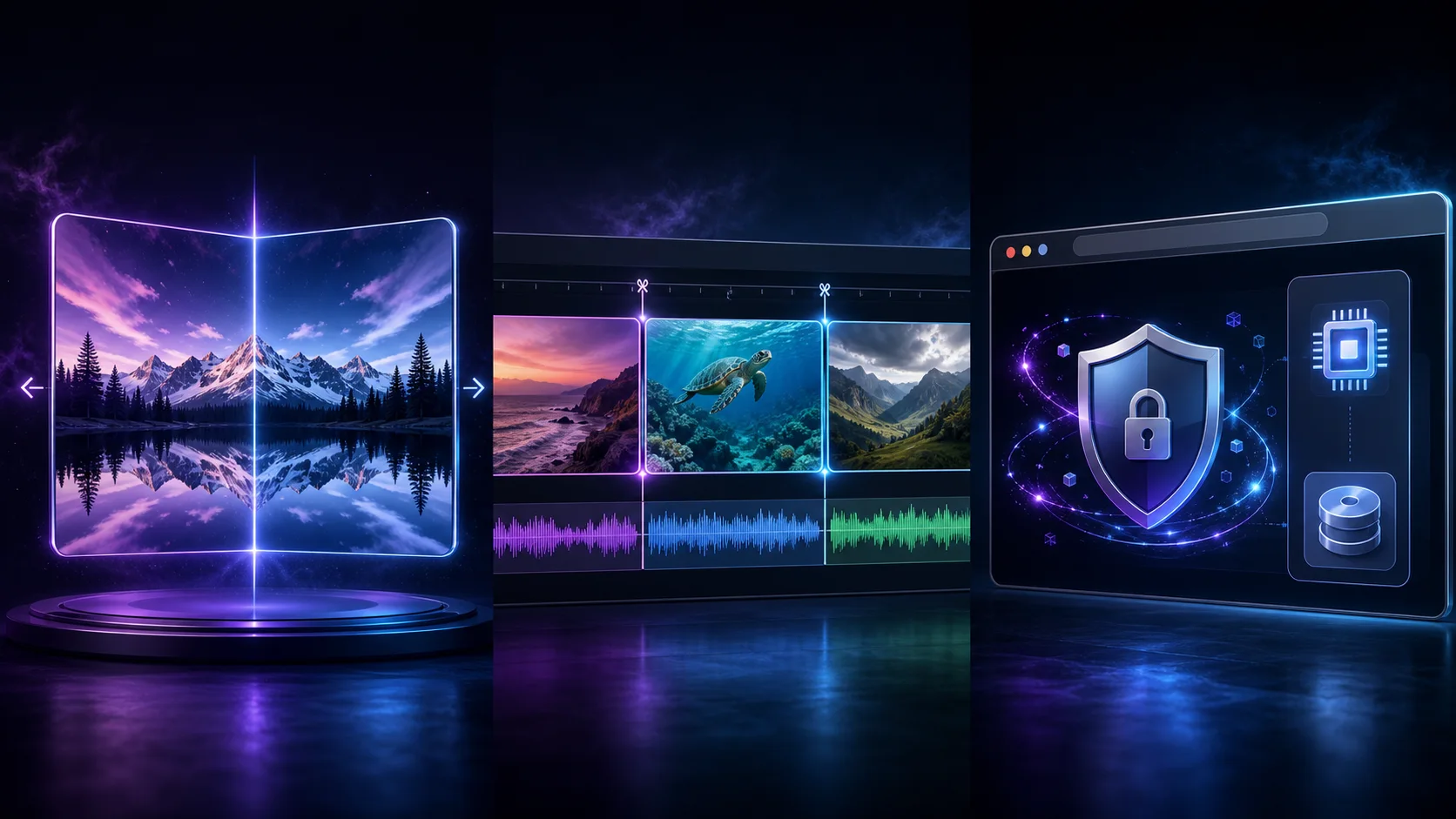
Flip, split, and prepare video clips directly in your browser with Free Video AI. Every featured tool is free to use, requires no account, adds no watermark, and keeps your footage on your device.
Choose a focused browser tool, add a video from your device, and export the result without sending footage to a remote processing server.
Enhance
Increase video resolution by 2× or 4× with private local processing and optional WebGPU neural enhancement.
Open free toolMirror
Flip a video horizontally, vertically, or both ways with a private preview and local browser export.
Open free toolCut
Choose an exact start and end time, preview the source, and export a focused clip without uploading it.
Open free toolA useful video toolkit should remove friction, protect source footage, and make everyday editing tasks easy on any modern device.
Use the video flipper and splitter without credits, paid plans, trials, or surprise export fees.
Your selected video stays inside the browser tab. The tools do not upload the source file to our servers.
Downloaded clips contain your footage only, without a Free Video AI logo or promotional overlay.
Open a tool and begin immediately. There is no registration form, email gate, or credit card step.
Preview flip direction, inspect the source video, and choose accurate start and end times before exporting.
Prepare clips for social posts, presentations, lessons, product demos, archives, and personal projects.
Use these lightweight browser tools whenever you need a fast fix before publishing, sharing, or continuing in a larger editor.
Flip front-camera footage horizontally so text, products, gestures, and room layouts face the expected direction.
Select the most useful moment from a longer recording and download it as a separate video clip.
Fix orientation or trim a focused segment before sharing on TikTok, Instagram, YouTube, or community platforms.
Remove setup time and unrelated endings from demos, bug reports, tutorials, and product walkthroughs.
The workflow is intentionally simple, so you can finish a small video task without learning a full editing suite.
Open Flip Video Online to mirror a frame or Free Video Splitter to export one selected time range.
Pick a video from your device. The browser creates a private local preview without uploading the source.
Choose the direction or time range, start local processing, and save the finished clip to your device.